Downloads
The beta is live — free, runs on your own computer, no account, no tracking.
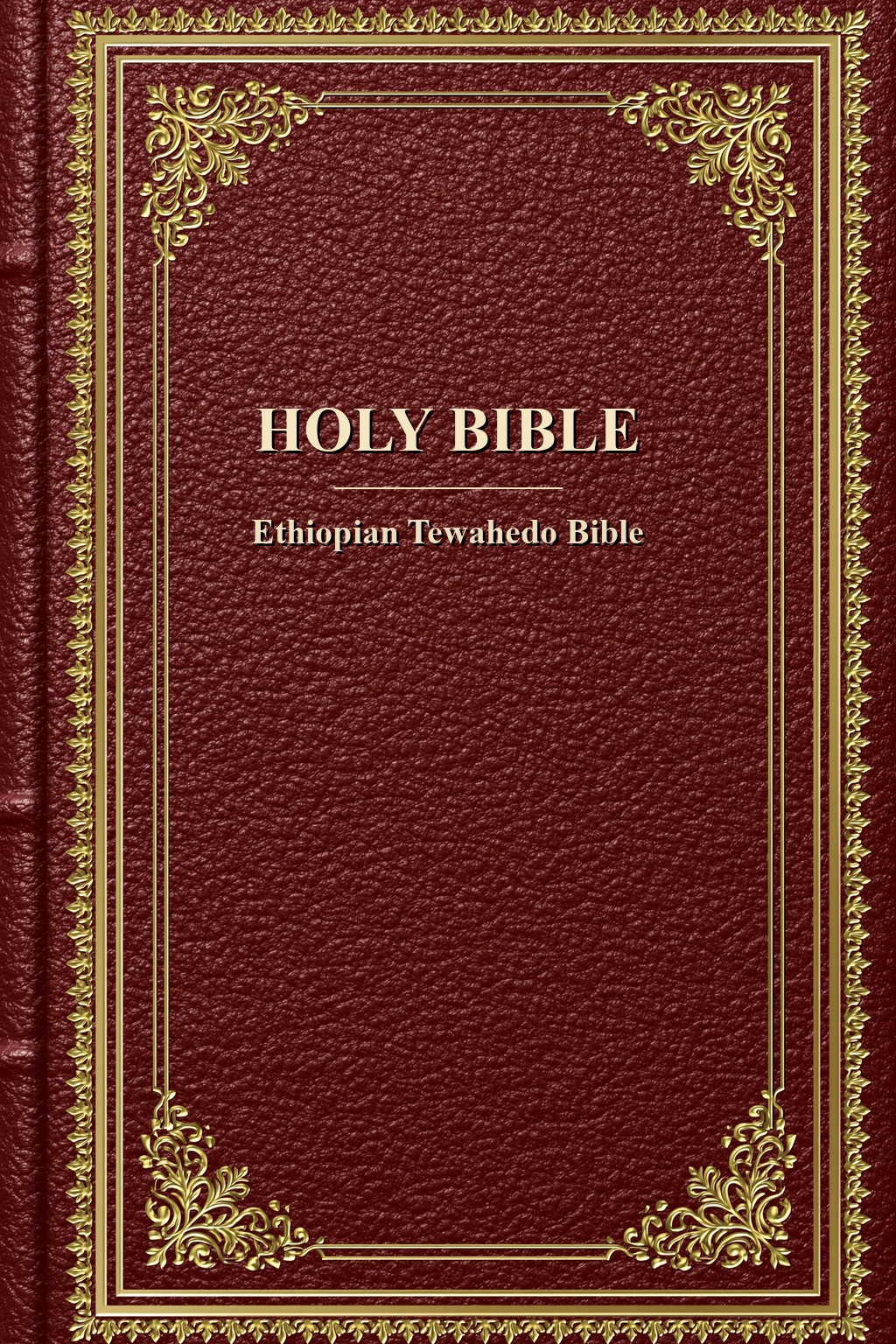
Download the ready-made Ethiopian Tewahedo Study Bible below, or the
desktop app to build your own editions. This is an early release, refined with every version — your
feedback shapes what comes next.
Read the Bible — Choose Your Edition
The full Ethiopian Tewahedo Study Bible leads — the 83-book canon with
the complete study apparatus (over 91,000 notes: cross-references, manuscript witnesses, commentary,
word studies, topical indexes and more) and original-language popups (Hebrew, Greek, Latin, Arabic).
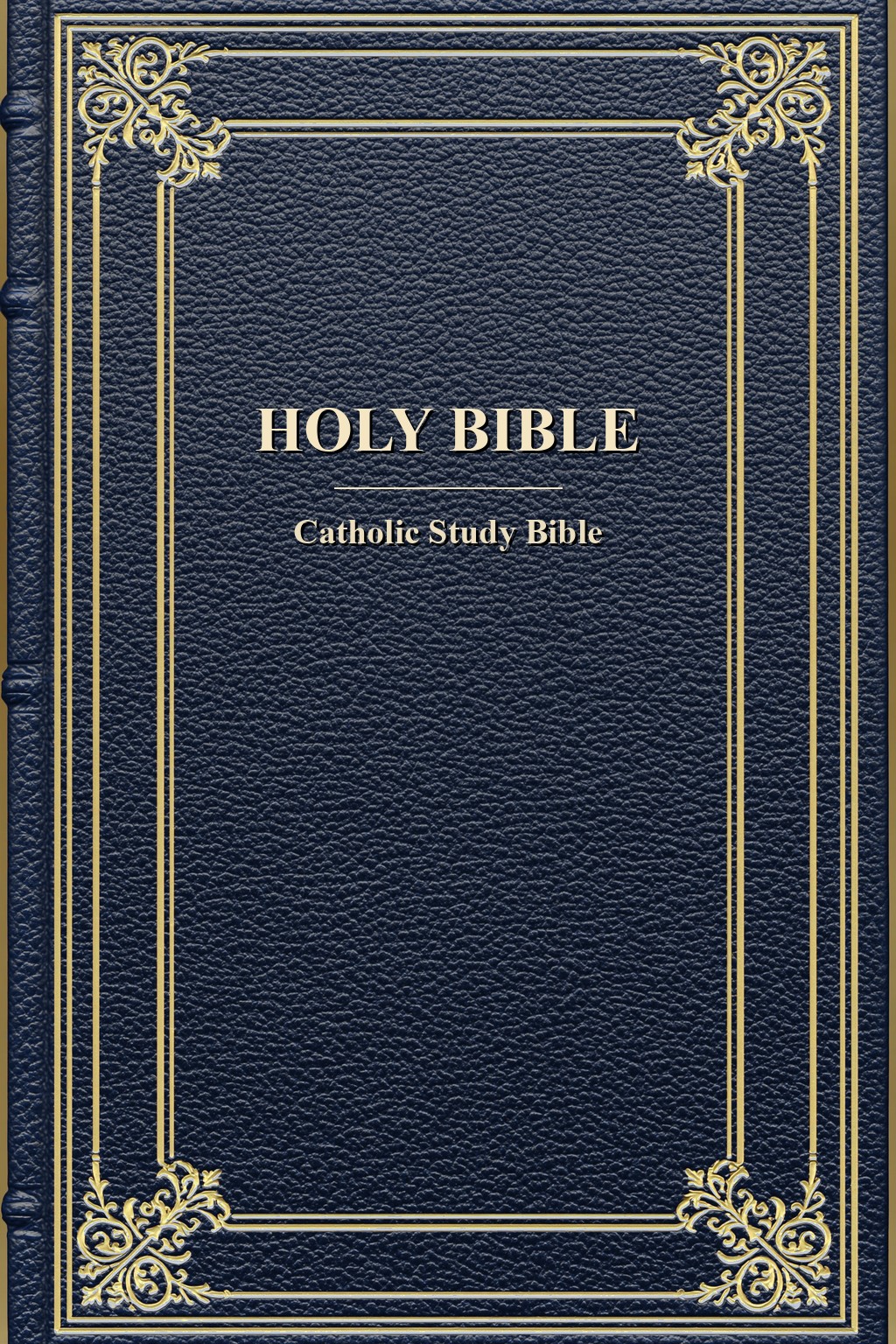
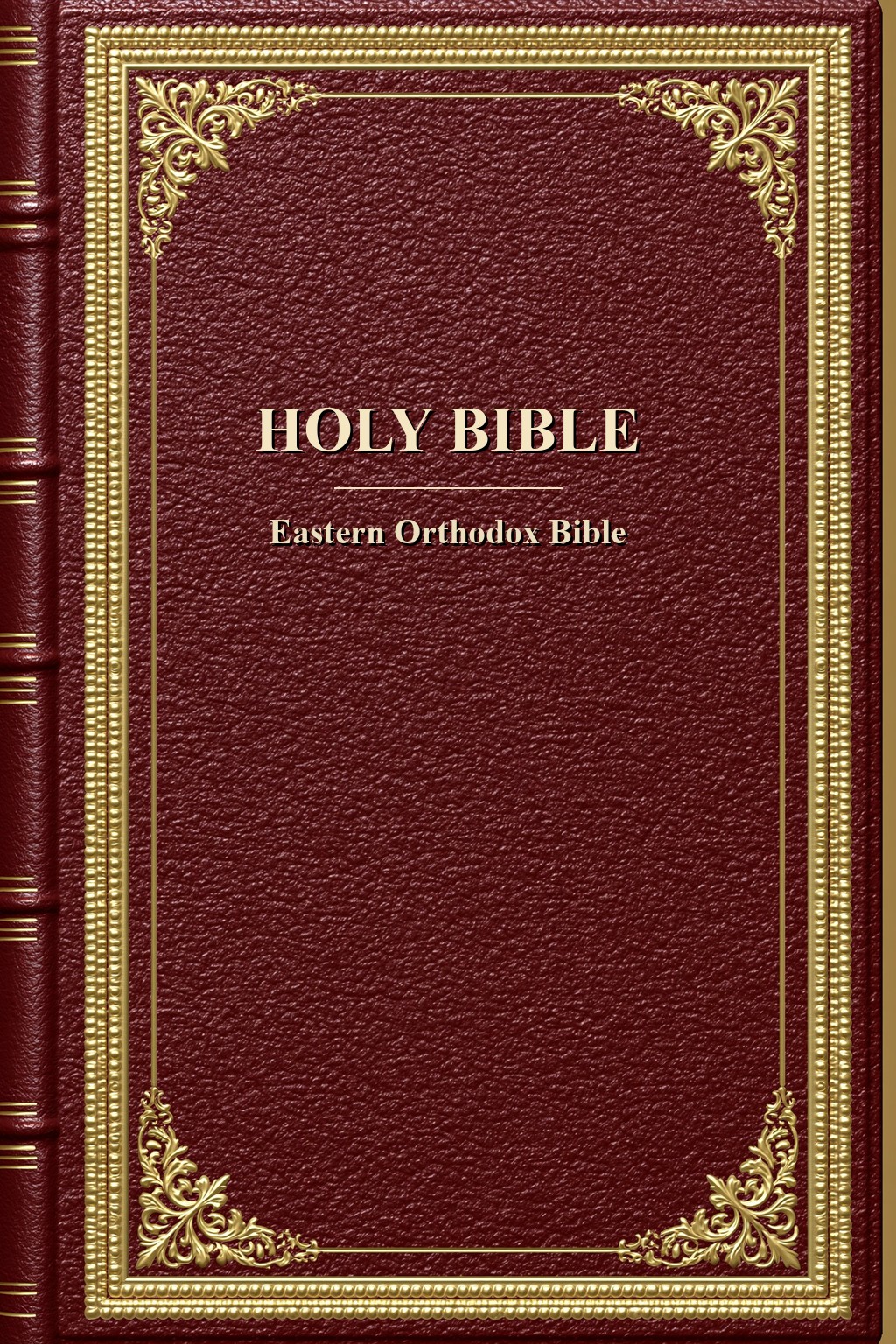
Beside it stand three more canon-shaped study editions — Catholic, Eastern Orthodox, and
Reformed/Evangelical — each wearing its own cover from the program's twenty-five designs. One file
each, free to read, copy, and share. No app required — every edition opens in any e-reader. Want a
different tradition (Tanakh, Anglican, Lutheran, denser scholarly apparatus)? Use the desktop
builder's customize console — those shapes are not separate catalog downloads.
Pick your edition, then the device you read on.
On a Kobo, sideload the .kepub.epub — it turns on the tap-to-read footnote popups. On Apple Books and most other readers, use the plain .epub.
Verify any download against the release's SHA256SUMS.txt.
Get the build
Latest
v0.1.0 — The Readable-Notes & E-Reader Release
The latest beta. Download the Ethiopian Bible above, or the desktop app below.
The desktop builder app is v0.1.0, for Windows, macOS, and Linux.
Choose your system:
Windows installer (.exe)
macOS (.dmg)
Linux (x86_64 .AppImage)
Every build is listed here, newest first. The Windows build is code-signed and
the macOS build is notarized by Apple; the Linux AppImage is x86_64 (on ARM, run from source).
Step-by-step install instructions for each system are in the
Guide.
What’s changed
v0.1.0 — Notes That Read Like a Book, the Illuminated Look & a Native macOS Window
- A redesigned study-note popup. Tap a verse’s ◈ badge and the
notes now cascade — gathered under a heading and symbol for each category
(with a thin coloured spine down its edge), each source named once as a byline, the
notes indented beneath, and all the topics merged into one line at the end — instead of one
long, repetitive list. Nothing is dropped; every distinct point is kept.
- Tidier notes throughout — repeated attributions and category prefixes are
de-duplicated (losslessly), and Nave’s and Torrey’s topical indexes are merged into one clean list.
- A new illuminated-manuscript look for the desktop app — vellum and ink, a
gold-ruled banner, gold buttons, serif type — so the program now matches the website.
- On macOS, the app now opens in its own native window (its own icon and dock
entry), instead of opening a browser at a localhost address.
- Built for real e-readers. Every book’s title page now owns its own page (its
own file inside the EPUB — the one page break every reader honours); chapter numbers are centred
and never strand alone; note badges sit at the end of their own verse; popup text carries its own
separators so it stays readable even in Kobo’s plain-text preview; and a companion
font pack lets a Kobo render Hebrew, Greek, Geʽez, and Arabic in its popups.
- Still a beta on the 0.x track — an early, complete build, with your feedback wanted.
v0.0.3 — The Full Study Bible + Device-QA Fixes
- The complete apparatus: every category of study note is now on — over 91,000 notes and all original-language popups (Hebrew, Greek, Latin, Arabic).
- Chapter-start titles (Psalm superscriptions such as “A Prayer of David”) now read as headings, not as verse text.
- Additions that aren’t separate books — the Greek additions to Daniel, and the empty “Additions to Esther” — are folded into their book or removed; books are numbered cleanly, with no gaps.
- The in-book contents always shows each book with its chapter links; cleaner book titles (no “or …” alternates).
- Justified note text; repeated notes de-duplicated; tidier front matter (no blank pages; the colophon fits one screen).
v0.0.2 — Earlier Device-QA Pass
- Distinct note markers (a ◈ symbol with a count); note popups grouped by category; justified, reader-adjustable text; centred book title pages; a book-level reader table of contents; a Kobo
.kepub.epub variant for the footnote popups.
Verify your download
Every release is published with a SHA-256 checksum for each file, in a
SHA256SUMS.txt posted alongside the downloads. Comparing the checksum confirms your copy
downloaded completely and wasn’t altered in transit — it matches the file posted here. (It proves
integrity, not authorship; that is what code-signing adds.)
How to check
- Windows:
certutil -hashfile YHWH-0.1.0-windows-x64.exe SHA256
- macOS:
shasum -a 256 YHWH-0.1.0.dmg
- Linux:
sha256sum -c SHA256SUMS.txt
The published SHA256SUMS.txt for v0.1.0 is posted with the
release — download it here.
Prefer to run from source?
The code is source-available — you may read it and run it yourself. With
Python 3.14+ installed, clone the repository and launch the program directly, with
no installer at all. The exact clone command and run instructions live with the source.
Source-available means the code is open to read and run; it is not released under
an open-source license (it remains © 2026 Bogdan Zorlescu, all rights reserved).